HEX to RGB: When and Why to Convert Color Formats
Understand the difference between HEX and RGB color formats and know exactly when to use each. Covers transparency, JavaScript manipulation, Canvas API, and CSS variable patterns.
HEX to RGB: When and Why to Convert Color Formats
Every designer knows HEX codes. Every developer knows RGB. But few people know exactly when to use one over the other — or why converting between them matters for real projects. This guide explains both formats, their differences, and when conversion is essential.
The Two Most Common Color Formats
What Is HEX?
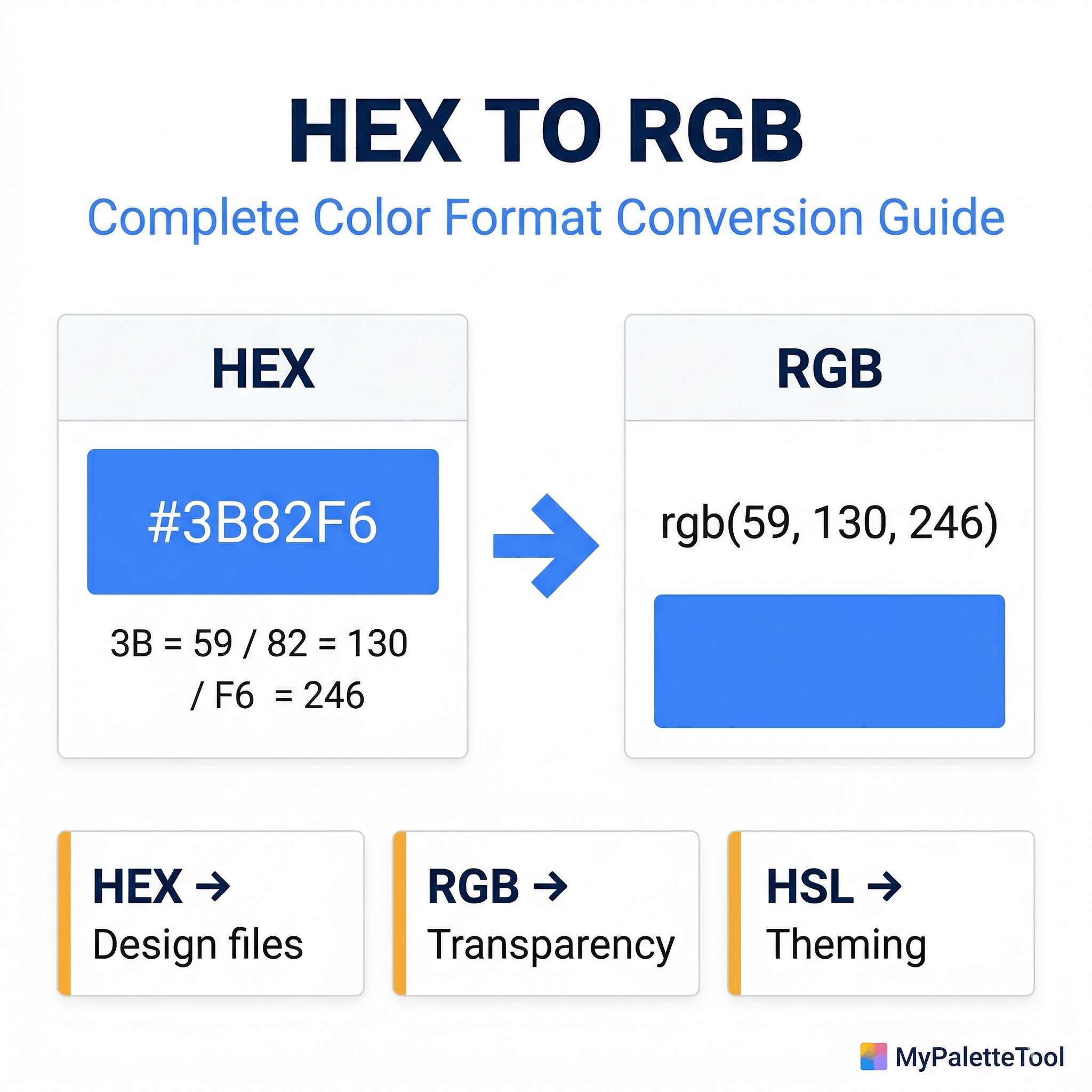
HEX (hexadecimal) is a 6-character code that represents a color using base-16 numbers. Each pair of characters represents one color channel.
#3B82F6
 ││ ││ └─ Blue:  F6 = 246
 ││ └──── Green: 82 = 130
 └─────── Red:   3B = 59
Format: #RRGGBB where each channel is 00 (0) to FF (255)
Shorthand: When both digits of each channel are identical, you can write 3 characters: #FFF = #FFFFFF, #333 = #333333
What Is RGB?
RGB (Red, Green, Blue) uses decimal numbers (0–255) for each channel. The same color:
rgb(59, 130, 246)
     │   │   └─ Blue: 246
     │   └───── Green: 130
     └───────── Red: 59
Format: rgb(R, G, B) where each value is 0 to 255
With transparency: rgba(59, 130, 246, 0.5) — the alpha channel is 0 (transparent) to 1 (opaque)
The Conversion Formula
HEX to RGB
- Split the HEX code into three pairs:
3B,82,F6 - Convert each pair from base-16 to base-10:
3B→ 3×16 + 11 = 5982→ 8×16 + 2 = 130F6→ 15×16 + 6 = 246
- Result:
rgb(59, 130, 246)
RGB to HEX
- Convert each decimal value to base-16:
- 59 ÷ 16 = 3 remainder 11 (B) →
3B - 130 ÷ 16 = 8 remainder 2 →
82 - 246 ÷ 16 = 15 (F) remainder 6 →
F6
- 59 ÷ 16 = 3 remainder 11 (B) →
- Combine:
#3B82F6
You don't need to do this manually. Use the HEX to RGB Converter at ToolCenterLab or the Color Converter at MyPaletteTool for instant, accurate results.
When to Use HEX
Design Files and Static Assets
HEX is the lingua franca of design tools. Figma, Sketch, Adobe XD, and Illustrator all display colors in HEX by default. When sharing color specifications with a design team or in style guides, HEX is universally understood.
Use HEX for:
- Brand style guides
- Design tokens shared across teams
- CSS static color values that don't need transparency
- Color palettes in documentation
Example:
/* Clean, readable in stylesheets */
.button-primary {
  background-color: #3B82F6;
  border-color: #2563EB;
  color: #FFFFFF;
}
When Sharing Colors
HEX codes are compact and easy to copy-paste. #3B82F6 is easier to communicate verbally or in documentation than rgb(59, 130, 246).
When to Use RGB
Transparency and Opacity
This is the single most important reason to use RGB: when you need the alpha channel (transparency).
HEX has no standard transparency support in all contexts. RGBA does.
/* Semi-transparent overlay */
.modal-backdrop {
  background-color: rgba(0, 0, 0, 0.5);
}

/* Colored shadow */
.card {
  box-shadow: 0 4px 24px rgba(59, 130, 246, 0.2);
}

/* Subtle tint */
.highlight {
  background-color: rgba(16, 185, 129, 0.1);
}
Note: CSS now supports 8-digit HEX for transparency (#3B82F680), but rgba() is more readable and better supported across all tools and browsers.
CSS Calculations and Dynamic Colors
When you need to compute or manipulate colors at runtime, RGB is essential for JavaScript:
// Dynamically adjust opacity based on scroll position
const opacity = Math.max(0, 1 - scrollY / 300);
element.style.backgroundColor = `rgba(59, 130, 246, ${opacity})`;
With HEX, this requires string manipulation or conversion. With RGBA, it's a simple template literal.
Canvas and WebGL
The HTML Canvas API and WebGL use RGB values natively:
// Canvas API — RGB required
ctx.fillStyle = 'rgb(59, 130, 246)';
ctx.fillStyle = `rgba(59, 130, 246, ${alpha})`;

// Manual canvas pixel manipulation — pure RGB values
const imageData = ctx.getImageData(0, 0, width, height);
imageData.data[0] = 59;   // R
imageData.data[1] = 130;  // G
imageData.data[2] = 246;  // B
imageData.data[3] = 255;  // A (0-255 in canvas, not 0-1)
CSS color-mix() and Modern Color Functions
Modern CSS color functions use RGB values as their foundation:
/* CSS color-mix — mixes two colors */
.element {
  background: color-mix(in srgb, rgb(59, 130, 246) 70%, white);
}
When to Use Neither: HSL
While HEX and RGB are the most common, HSL (Hue, Saturation, Lightness) is often better for programmatic color manipulation.
/* Intuitive adjustments */
.button-hover {
  /* Original: hsl(217, 91%, 60%) */
  background-color: hsl(217, 91%, 50%); /* 10% darker — just change L */
}
When to prefer HSL:
- Generating color scales (tints and shades)
- Creating harmonious palettes programmatically
- Animating color transitions
- Building theme systems with CSS variables
Read the full comparison in our RGB vs HEX vs HSL guide.
Common Conversion Scenarios
Scenario 1: Designer hands off HEX, developer needs RGBA
Problem: The brand button color is #3B82F6 but you need a semi-transparent version for a hover overlay.
Solution: Convert and add alpha:
/* Original from design */
.button { background: #3B82F6; }

/* Converted with alpha for overlay */
.button-overlay { background: rgba(59, 130, 246, 0.15); }
Convert instantly at ToolCenterLab HEX-RGB Converter.
Scenario 2: CSS variable system with RGBA shadows
Problem: You want shadows to use your brand color but at low opacity.
Solution: Store the RGB components separately as a variable:
:root {
  /* Store as RGB components for flexible rgba() usage */
  --color-brand-rgb: 59, 130, 246;
  --color-brand: rgb(var(--color-brand-rgb));
}

.card {
  box-shadow: 0 4px 24px rgba(var(--color-brand-rgb), 0.15);
}

.overlay {
  background: rgba(var(--color-brand-rgb), 0.8);
}
This pattern is common in design systems and eliminates the need to remember RGB values everywhere.
Scenario 3: Reading colors from an API or JSON
Many APIs return HEX colors. When you need to process them in JavaScript:
function hexToRgb(hex) {
  const result = /^#?([a-f\d]{2})([a-f\d]{2})([a-f\d]{2})$/i.exec(hex);
  return result ? {
    r: parseInt(result[1], 16),
    g: parseInt(result[2], 16),
    b: parseInt(result[3], 16)
  } : null;
}

// Usage
const color = hexToRgb('#3B82F6');
// { r: 59, g: 130, b: 246 }

// Apply as rgba with dynamic opacity
element.style.background = `rgba(${color.r}, ${color.g}, ${color.b}, 0.5)`;
Scenario 4: Extracting colors from a generated palette
When you use MyPaletteTool to generate a palette and export to CSS:
:root {
  --color-primary: #3B82F6;
  --color-secondary: #F59E0B;
}
You may need RGB equivalents for RGBA usage. Convert each at MyPaletteTool's Color Converter and add the RGB versions:
:root {
  --color-primary:     #3B82F6;
  --color-primary-rgb: 59, 130, 246;

  --color-secondary:     #F59E0B;
  --color-secondary-rgb: 245, 158, 11;
}
Quick Conversion Reference
Common brand and utility colors with both formats:
| Color | HEX | RGB |
|---|---|---|
| Pure white | #FFFFFF |
rgb(255, 255, 255) |
| Pure black | #000000 |
rgb(0, 0, 0) |
| Blue 500 | #3B82F6 |
rgb(59, 130, 246) |
| Green 500 | #22C55E |
rgb(34, 197, 94) |
| Red 500 | #EF4444 |
rgb(239, 68, 68) |
| Yellow 500 | #EAB308 |
rgb(234, 179, 8) |
| Purple 500 | #A855F7 |
rgb(168, 85, 247) |
| Gray 500 | #6B7280 |
rgb(107, 114, 128) |
| Gray 900 | #111827 |
rgb(17, 24, 39) |
| Gray 50 | #F9FAFB |
rgb(249, 250, 251) |
For any color not on this list, use the HEX to RGB Converter.
Format Decision Guide
Need transparency?         → RGB (rgba)
Sharing with designers?    → HEX
Static CSS values?         → Either (HEX is more compact)
Canvas / WebGL?            → RGB
Generating shades?         → HSL
Design tokens?             → HEX (more universal)
JavaScript manipulation?   → RGB
Conclusion
HEX and RGB represent the same colors — just in different notations. The practical difference comes down to use case:
- HEX for static design values, style guides, and documentation
- RGB/RGBA for transparency, JavaScript manipulation, and Canvas
- HSL for programmatic generation and theming
Convert between them instantly:
- HEX ↔ RGB Converter at ToolCenterLab
- Color Converter at MyPaletteTool — also handles HSL and other formats
Related Articles
Convert colors instantly — HEX to RGB at ToolCenterLab or full color converter at MyPaletteTool.