CSS Gradient Generator: Complete Guide with Examples
Master CSS gradients with this complete guide. Covers linear, radial, and conic gradients with 15 ready-to-use recipes, advanced techniques, and browser compatibility.
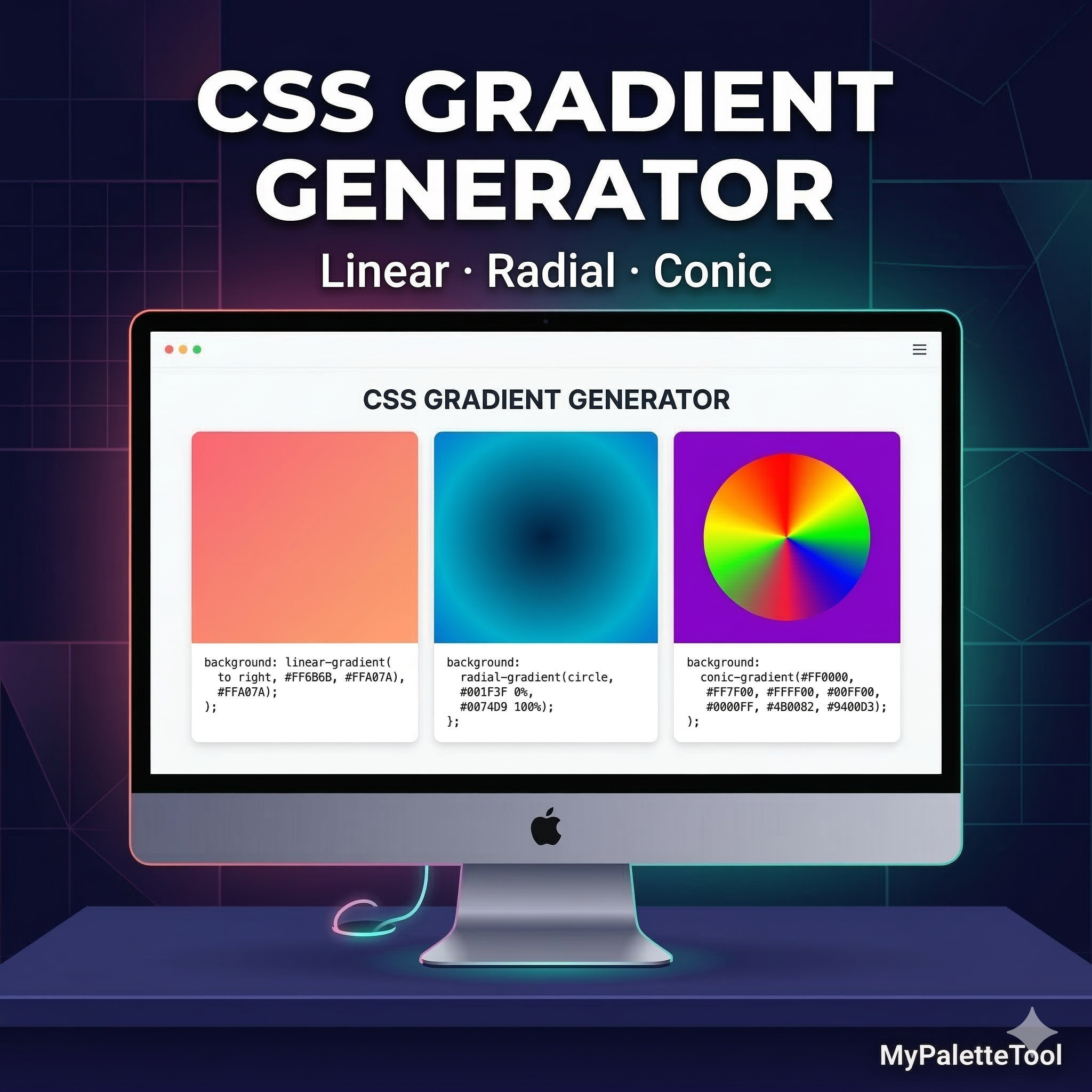
CSS Gradient Generator: Complete Guide with Examples
CSS gradients are one of the most powerful tools in modern web design. They add depth, visual interest, and a polished feel to any interface. This guide covers everything you need to create stunning gradients — and how to generate them instantly with a free tool.
What Is a CSS Gradient?
A CSS gradient is a smooth transition between two or more colors defined entirely in code — no image files needed. Gradients are:
- Resolution-independent — look crisp on any screen density
- Lightweight — no image download, pure CSS
- Animatable — can be transitioned and animated
- Flexible — adjust colors, angles, and positions with code
The 3 Types of CSS Gradients
1. Linear Gradient
Colors transition along a straight line at any angle.
background: linear-gradient(135deg, #667eea 0%, #764ba2 100%);
Parameters:
angle— direction (0deg = bottom to top, 90deg = left to right, 135deg = diagonal)color stops— colors and their positions (0% to 100%)
Common angles:
| Angle | Direction |
|---|---|
| 0deg | Bottom → Top |
| 45deg | Bottom-left → Top-right |
| 90deg | Left → Right |
| 135deg | Top-left → Bottom-right |
| 180deg | Top → Bottom |
2. Radial Gradient
Colors radiate outward from a center point, creating circular or elliptical patterns.
background: radial-gradient(circle at center, #f093fb 0%, #f5576c 100%);
Parameters:
shape—circleorellipseposition— center point (center,top left, percentages)color stops— same as linear
Use cases:
- Spotlight effects
- Button glows
- Hero section backgrounds
- Icon backgrounds
3. Conic Gradient
Colors rotate around a center point, like a color wheel or pie chart.
background: conic-gradient(from 0deg, #ff6b6b, #feca57, #48dbfb, #ff9ff3, #ff6b6b);
Use cases:
- Pie charts
- Progress rings
- Decorative backgrounds
- Color wheel UI elements
Using the MyPaletteTool Gradient Generator
Our free Gradient Generator lets you create any of these gradients visually — no CSS knowledge required.
Step 1: Open the Tool
Go to mypalettetool.com/gradient. No account needed.
Step 2: Choose Gradient Type
Select Linear, Radial, or Conic from the type selector.
Step 3: Pick Your Colors
Click each color stop to open the color picker. You can:
- Type hex codes directly
- Use the visual color picker
- Try one of the preset palettes (Sunset, Ocean, Forest, Candy)
Step 4: Adjust Angle or Position
For linear gradients, drag the angle slider or type a degree value. For radial, adjust the center position.
Step 5: Copy the CSS
Click Copy CSS — the complete, ready-to-use CSS snippet is in your clipboard.
Beautiful Gradient Recipes
Here are 15 production-ready gradients with their CSS:
Sunset
background: linear-gradient(135deg, #f093fb 0%, #f5576c 100%);
Ocean Depth
background: linear-gradient(135deg, #667eea 0%, #764ba2 100%);
Northern Lights
background: linear-gradient(135deg, #43e97b 0%, #38f9d7 100%);
Warm Peach
background: linear-gradient(135deg, #f6d365 0%, #fda085 100%);
Deep Space
background: linear-gradient(135deg, #0c0c0c 0%, #1a1a2e 50%, #16213e 100%);
Electric Blue
background: linear-gradient(135deg, #4facfe 0%, #00f2fe 100%);
Forest Mist
background: linear-gradient(135deg, #96fbc4 0%, #f9f586 100%);
Royal Purple
background: linear-gradient(135deg, #a18cd1 0%, #fbc2eb 100%);
Fire
background: linear-gradient(135deg, #f83600 0%, #f9d423 100%);
Midnight
background: linear-gradient(135deg, #2c3e50 0%, #3498db 100%);
Rose Gold
background: linear-gradient(135deg, #f7971e 0%, #ffd200 100%);
Candy
background: linear-gradient(135deg, #f093fb 0%, #f5576c 50%, #fda085 100%);
Neon Green
background: linear-gradient(135deg, #39ff14 0%, #00b4d8 100%);
Soft Lavender
background: linear-gradient(135deg, #e0c3fc 0%, #8ec5fc 100%);
Monochrome Blue
background: linear-gradient(135deg, #e8f4fd 0%, #3b82f6 50%, #1e3a8a 100%);
Advanced CSS Gradient Techniques
Multi-Stop Gradients
Use more than two color stops for complex, realistic gradients:
background: linear-gradient(
  135deg,
  #ff6b6b 0%,
  #feca57 25%,
  #48dbfb 50%,
  #ff9ff3 75%,
  #54a0ff 100%
);
Hard Stop Gradients (No Blending)
Set two stops at the same position to create a sharp line with no transition:
background: linear-gradient(
  to right,
  #3b82f6 0%,
  #3b82f6 50%,
  #f59e0b 50%,
  #f59e0b 100%
);
Use for: Flags, split screens, striped patterns
Gradient Text
Apply gradients to text using background-clip:
.gradient-text {
  background: linear-gradient(135deg, #667eea 0%, #764ba2 100%);
  -webkit-background-clip: text;
  -webkit-text-fill-color: transparent;
  background-clip: text;
}
Gradient Borders
Create colorful borders using border-image:
.gradient-border {
  border: 3px solid transparent;
  background:
    linear-gradient(white, white) padding-box,
    linear-gradient(135deg, #667eea, #764ba2) border-box;
}
Gradient Overlay on Images
Layer a gradient over a background image to improve text readability:
.hero {
  background:
    linear-gradient(to bottom, rgba(0,0,0,0) 0%, rgba(0,0,0,0.7) 100%),
    url('/hero.jpg') center/cover;
}
Animated Gradient Background
@keyframes gradientShift {
  0% { background-position: 0% 50%; }
  50% { background-position: 100% 50%; }
  100% { background-position: 0% 50%; }
}

.animated-gradient {
  background: linear-gradient(270deg, #667eea, #764ba2, #f093fb, #f5576c);
  background-size: 400% 400%;
  animation: gradientShift 8s ease infinite;
}
Gradient Best Practices
Match Your Brand Palette
Your gradient colors should come from your existing brand palette. Use our Color Palette Generator to establish your palette first, then build gradients from those colors.
Example workflow:
- Generate brand palette on MyPaletteTool
- Note your primary and secondary hex codes
- Open the Gradient Generator
- Enter those exact hex codes as gradient stops
- Adjust angle to match your design aesthetic
Keep It Subtle for UI Backgrounds
Intense gradients work for hero banners but tire eyes quickly. For repeated UI elements (cards, sidebars, navbars), use very subtle gradients:
/* Too intense for repeated UI */
background: linear-gradient(135deg, #f093fb 0%, #f5576c 100%);

/* Subtle and professional */
background: linear-gradient(135deg, #f8fafc 0%, #e2e8f0 100%);
Ensure Text Contrast
Always check that text over gradients maintains sufficient contrast at all points of the gradient — not just at the start or end.
Test your gradient + text combinations with our Contrast Checker.
Safe approach: Use a dark overlay gradient before placing white text:
background:
  linear-gradient(rgba(0,0,0,0.5), rgba(0,0,0,0.5)),
  linear-gradient(135deg, #667eea, #764ba2);
Use CSS Variables for Gradient Colors
Maintain gradients easily by defining colors as CSS variables:
:root {
  --gradient-start: #667eea;
  --gradient-end: #764ba2;
}

.hero {
  background: linear-gradient(
    135deg,
    var(--gradient-start) 0%,
    var(--gradient-end) 100%
  );
}
Now changing your brand gradient is a single edit in one place.
Gradients in CSS Frameworks
Tailwind CSS
Tailwind v3+ includes gradient utilities:
<div class="bg-gradient-to-r from-blue-500 to-purple-600">
  Hero content
</div>
Custom Tailwind gradients using the config:
// tailwind.config.js
module.exports = {
  theme: {
    extend: {
      backgroundImage: {
        'brand-gradient': 'linear-gradient(135deg, #667eea 0%, #764ba2 100%)',
      }
    }
  }
}
Then use it as:
<div class="bg-brand-gradient">...</div>
CSS Modules / SCSS
$gradient-primary: linear-gradient(135deg, #667eea 0%, #764ba2 100%);

.hero {
  background: $gradient-primary;
}

.card-header {
  background: $gradient-primary;
  opacity: 0.8;
}
Browser Compatibility
All three gradient types (linear-gradient, radial-gradient, conic-gradient) have excellent modern browser support:
| Type | Chrome | Firefox | Safari | Edge |
|---|---|---|---|---|
| linear-gradient | ✅ 26+ | ✅ 16+ | ✅ 7+ | ✅ 12+ |
| radial-gradient | ✅ 26+ | ✅ 16+ | ✅ 7+ | ✅ 12+ |
| conic-gradient | ✅ 69+ | ✅ 83+ | ✅ 12.1+ | ✅ 79+ |
Note: conic-gradient has slightly lower Safari support on older iOS. Add a fallback solid color:
.element {
  background: #764ba2; /* fallback */
  background: conic-gradient(from 0deg, #ff6b6b, #feca57, #48dbfb);
}
Conclusion
CSS gradients are a high-impact, zero-cost way to elevate any design. Whether you need a bold hero background, a subtle card effect, or an animated UI element, gradients deliver visual richness that flat colors can't match.
The fastest way to get started: Use our Gradient Generator to build your gradient visually, copy the CSS, and paste it directly into your project.
Related Articles
Create beautiful CSS gradients instantly with MyPaletteTool's free Gradient Generator.